
GUIDE
Mobile data in Europe, without the noise
A practical sequence from checking a handset to crossing a border.
01 / MOBILE DATA, MADE QUIET
A considered resource for travellers sorting out digital connectivity before the departure board changes.
Read the Europe guide
02 / START HERE
A digital eSIM is not a travel personality test. It is a small software profile that can connect a compatible phone or tablet to a mobile network. It may sit beside a physical SIM, or replace one. The useful part is not novelty. It is being able to make a deliberate choice before a late arrival in Berlin, a missed luggage belt in Milan, or a short train change in Brussels.
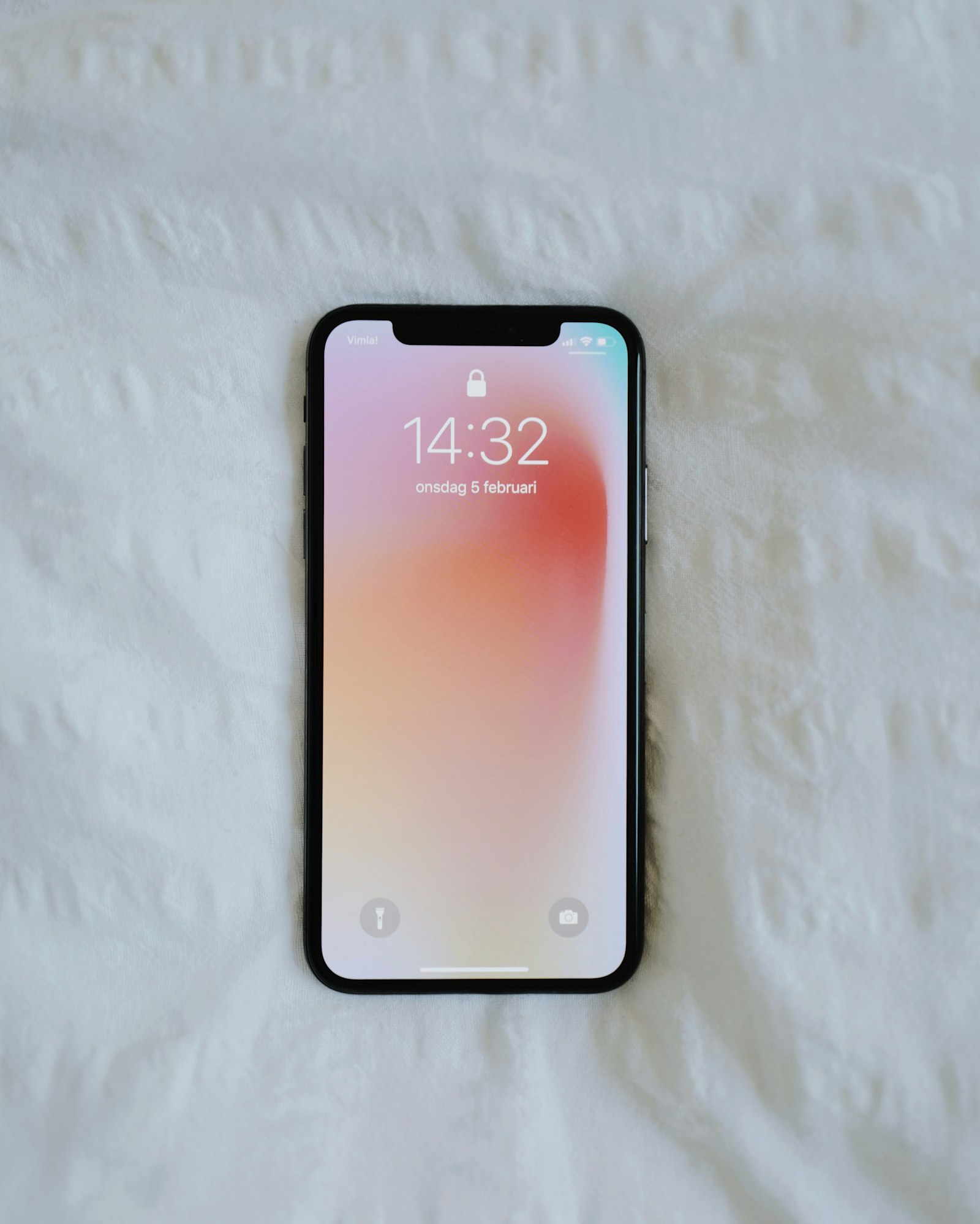
Start with the device already in your hand. Check that it supports eSIM technology and that it is not restricted to one network. Then decide what matters on this trip: receiving calls on a familiar number, having maps when the station Wi-Fi falters, or avoiding a surprising roaming bill. Those are separate needs. Treating them separately makes the rest much simpler.
esimio does not sell profiles, plans or connectivity. It is a place to slow down long enough to understand the moving parts. Our device compatibility notes and plain-language answers are a good first read.
03 / FIELD NOTES
Six short routes into the subject. No sales language. No false certainty.
GUIDE
A practical sequence from checking a handset to crossing a border.

DEVICES
Where to look in iPhone, Galaxy, Pixel, Xiaomi and Motorola settings.

COUNTRIES
Small preparation choices for Germany through Portugal.
FAQ
Compatibility, activation, roaming and what to do when nothing appears.

ABOUT
Our editorial boundaries, method and deliberately narrow purpose.

CONTACT
Tell us where a reader might need plainer language or better context.
04 / FOUR MOMENTS
You need an address, a platform number, and a way to tell somebody you landed. Airport Wi-Fi can be enough for ten minutes. It can also ask for a code sent to the number you cannot currently reach. Preparing a digital SIM before flying removes one small dependency.
A route from Amsterdam to Cologne makes a border feel abstract. Mobile settings do not. If your travel eSIM is intended for more than one country, check its stated roaming terms before the train leaves. Keep offline tickets and the hotel address on the phone too.
A nomad working from a Copenhagen café needs a more cautious setup than a weekend visitor. Video calls, cloud backups and laptop tethering can change data use quickly. Separate the work connection from the phone's background habits, then review usage in the handset settings.
Roaming is a policy question, not a map question. A profile may cover several places and still have conditions. The quiet habit is to read those conditions before arrival, leave a physical SIM available if needed, and know which line is selected for data.
Most problems are ordinary settings problems. A phone can have several lines installed but only one chosen for mobile data. Data roaming can be disabled. The profile can be present yet inactive. Our longer Europe connectivity guide walks through those checks in the order they tend to matter.
05 / THE HARDWARE
There is no universal menu path. Software versions, regional variants and carrier restrictions change the details. A calm check in settings is more reliable than a list copied from a retailer page.
See device checks


06 / BRIEF ANSWERS
No. An eSIM is a form of SIM embedded in a compatible device. Mobile data is the network service associated with a line or profile. An eSIM can carry a profile that includes data, but the two terms are not interchangeable.
Often, yes. Many compatible devices can keep a physical SIM and an eSIM installed together. The practical question is which line is chosen for calls, messages and data. Check the phone's cellular settings before travelling.
Follow the provider's instructions. Some profiles can be installed ahead of time but should only be activated when travel begins. Keep the instructions offline so you are not depending on a connection at the awkward moment.
It may not yet be active, data roaming may be off, the wrong line may be selected, or the device may need a restart. If those checks do not help, the profile issuer is the appropriate source for account-specific assistance.
No. We explain the general process. Only the provider that issued a particular profile can inspect its status or resolve a purchase, activation or service problem.
07 / OCCASIONAL NOTES
We keep this modest. If we publish an occasional editorial update, you can ask to receive it by email. The request opens in your own mail app; this site does not store your address or sell personal data.
No account. No on-site mailing list. See the privacy policy for details.
08 / SMALL HABITS
A travel eSIM is most useful when it is not asked to rescue every piece of a trip. Save the first address. Download the ticket. Keep the booking reference somewhere that does not need a signal. These are old habits. They pair well with newer eSIM technology because they reduce the number of things that need to happen at once.
Consider the first hour after an arrival. There may be a passport queue, a luggage belt, a platform change, a wrong exit, rain, low battery, or all of them in sequence. Mobile connectivity abroad can give you a map and a message. It cannot make a booking confirmation easier to find if it is buried in an inbox. The work before leaving is not glamorous. It is reassuring.
There is also a difference between being connected and being available. A traveller may want data for directions, while keeping notifications quiet. Another may need a familiar number for a work call, yet prefer a separate line for maps. The phone can often support those choices, but only if they are made deliberately. A few clear line labels are better than a long list of profiles with unfamiliar names.
For a short trip, decide what must work before a café Wi-Fi password or a hotel key card. For a long trip, decide what can wait until known Wi-Fi. That distinction reduces background use, stops needless settings changes, and makes a small data connection feel proportionate.
We return to this point because it changes the whole experience. The best setup is not the one with the most features. It is the one you can describe to yourself after a late connection in an unfamiliar station: this line is for data; this number is for messages; the next address is already saved.
Start at the edge of the journey, not in the middle of a provider comparison. Read the step-by-step travel guide, then use the country preparation notes to shape the route.
09 / KEEP IT HUMAN
There is no prize for installing a digital SIM at the last possible moment. There is no failure in using a familiar roaming arrangement if it suits the route. The purpose of preparation is not to become expert in mobile networks. It is to reach the hotel, meet the person you came to see, and make a change of plan without turning it into a technical project.
That is also why language matters. “eSIM activation” can sound more dramatic than it is. In practical terms, you add a profile to a compatible device, decide what line handles data, and follow the instructions tied to that particular service. The device may ask a few questions. Reading them carefully is often enough.
Keep the normal number separate in your mind from the travel data line. Keep the existing service separate from the new profile. Keep a general article separate from provider instructions. These distinctions make it much easier to ask a clear question if something does not work.
Travellers who return to the same places can use the same approach each time. Review the phone. Read current terms. Save the first-day details. Remove or label old profiles. The routine becomes lighter because it does not depend on remembering every setting from last year.
And if a connection is slow, absent or less useful than expected, fall back to the plan you made before the trip. Use offline directions. Ask at the desk. Find a known Wi-Fi connection. Mobile data is a helpful tool, not the only route through an unfamiliar place.