
01 / DECIDE FIRST
Choose the job, not the product.
People often begin with a comparison grid. That is backwards. Begin with the moments where your phone has to be useful. A three-day stop in Kraków booked too late to organise a local SIM calls for something different from a month moving between client offices. A family arriving in Barcelona may want messages and a map. A photographer on a night train to Vienna may need a backup connection for uploads. The connection has a job. Name it.
There are usually four jobs. First, keeping a familiar number reachable for calls or one-time codes. Second, getting mobile data for maps, messages and practical searches. Third, making a laptop useful by tethering. Fourth, having a fallback when station Wi-Fi, hotel Wi-Fi or a local network fails. A digital eSIM can help with some or all of them, but it does not erase the distinction.
Write down the places, dates and rough pace. Is this one country, or a line through several? Will you spend long hours in a rental car, on regional trains, or working from a room with uncertain Wi-Fi? Do you rely on two-factor messages sent to the number you already have? A little specificity prevents a large, vague decision.
Then check the device before looking at any travel service. A compatible model is not always enough. Regional variants can differ, and a handset may be locked to its original network. Our device guide explains how to inspect the settings on common phone families without relying on a broad compatibility claim.
Separate the familiar number from the data line.
Many travellers want to keep their normal number for messages or calls while using another line for mobile data. On a compatible phone, that may be possible. It still requires attention. Devices usually ask which line should carry cellular data, which should be the default for calls, and what each line should be called. Rename the travel line plainly. “Travel data” is more useful than leaving a generic label in place.
The point is not to build an elaborate arrangement. It is to see what the phone will do when it leaves home. If the familiar line keeps roaming data enabled, the phone can make expensive choices while you assume the new profile is doing the work. If the travel line is only intended for data, do not expect it to receive a code sent to your normal number.
02 / KEEP IT MINIMAL
Make a setup with fewer moving parts.
A good travel setup is small enough to explain after a delayed arrival. One device. One clearly named line for data. An offline copy of the instructions. Saved maps for the first day. That is enough for many trips.
It helps to understand the parts. The embedded SIM is hardware already inside a compatible device. The eSIM profile is the digital subscription information added to it. The network service is what becomes available after that profile is activated and accepted where you are. The terms are often used as if they mean the same thing. They do not.
Physical SIM cards and eSIM profiles can coexist on many devices. Neither is morally better. A physical SIM can be easier to move between certain handsets. An eSIM can avoid opening a tray or finding a shop after landing. The sensible option depends on the device, the trip, and the terms offered by the service you have selected.

Give each setting a plain name.
Before a trip, phone menus can look more technical than they are. “Cellular”, “mobile network”, “SIM manager” and “connections” are common labels. You are looking for a place where installed lines can be viewed, turned on or off, and assigned to data. Menu names shift with software updates. The process does not: identify the available lines, choose the data line, and review roaming.
Do not install several profiles just in case unless you have a clear reason. More profiles mean more labels and more chances to select the wrong one. If you keep one profile for a future trip, label it by place and month. Later, you will know why it is there.
Save the first twenty-four hours.
Download an offline map of the arrival area. Save the hotel or host address in a notes app. Keep train tickets in the wallet app or as an offline file. Save the booking reference for a car or a keybox. These are not substitutes for mobile connectivity abroad. They are a way to make a temporary network problem ordinary rather than dramatic.
For a city break, that may be all. For a longer route, add the next two destinations and an emergency contact to the offline notes. Do not turn this into a survival kit. Keep only the things you would struggle to reconstruct in an unfamiliar station.
03 / THEN ACTIVATE
Follow the issuer’s sequence.
An eSIM profile is normally added through the device settings. The exact method can vary. An issuer may provide a QR code, an app-based flow, or manual details. Its instructions take priority because activation timing and account status belong to that specific profile. This guide can explain the general shape. It cannot see the profile itself.
Read the instructions while you have dependable Wi-Fi. Check the small print for activation timing, destinations, duration, roaming conditions, and any limits relevant to your trip. If a term is unclear, ask the issuer before departure. That is better than interpreting a short phrase in a boarding queue.
During installation, the device may ask you to confirm a line label, default calling line, data line, or whether the new line should use data roaming. Read each question. This is one of the few occasions where slowing down saves time. The settings can usually be changed later, but there is no benefit in creating a puzzle for your future self.
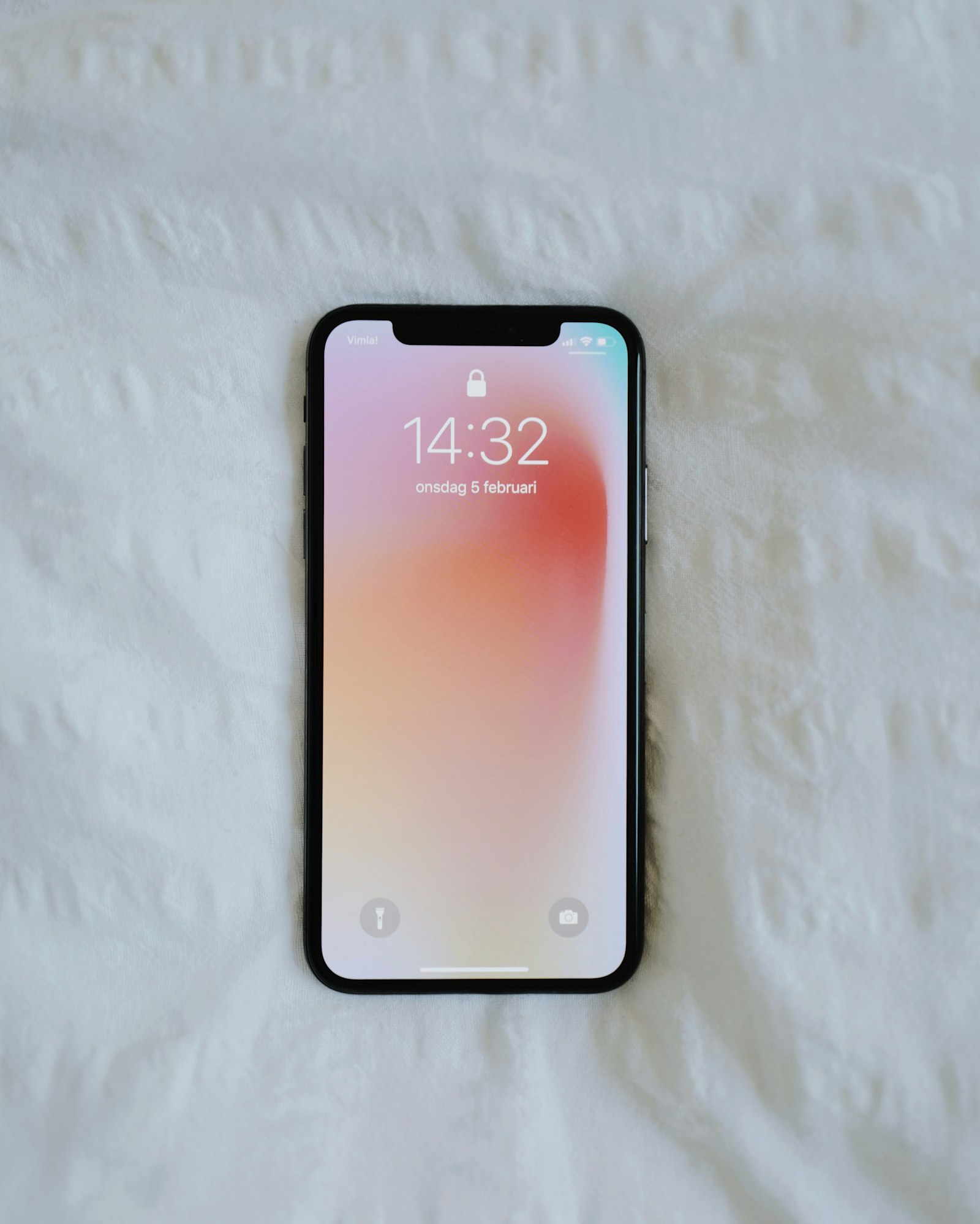
Do not confuse installation with connection.
A profile can be installed but inactive. It can be active but assigned to the wrong line. It can be selected for data but unable to connect because it is outside its intended destination or a roaming setting is off. Those distinctions explain most early confusion.
When you reach the intended place, give the phone a minute or two. Check the line is on. Check that mobile data is assigned to it. Review the roaming setting only if the profile instructions call for it. Then open a modest page or map. Testing with a simple task makes it easier to see whether the connection is present.
If nothing happens, avoid repeated resets or deleting the profile in a hurry. Check the issuer’s instructions and the phone settings in a calm order. A restart can be useful. So can temporarily turning the line off and on. If the issue is account-specific, the provider that issued the profile is the only party able to inspect it. The practical FAQ lists the general checks without pretending to be support.
04 / KEEP COSTS ORDINARY
Let the phone use less by default.
The clearest way to avoid unwanted usage is not a heroic setting. It is deciding which line carries data and reducing background activity that you do not need while travelling. App updates, photo backups, cloud synchronisation and video autoplay may be convenient at home. On a temporary mobile connection they can take attention you would rather spend elsewhere.
Look through the phone’s mobile-data controls before departure. Many systems show which apps have used data. Some allow background use to be limited. You might pause large backups until you are back on reliable Wi-Fi. You might download playlists and podcasts before leaving. The aim is not austerity. It is making the connection serve the trip rather than invisible processes.
Wi-Fi remains useful, but it deserves ordinary caution. Public networks are not a reason to ignore basic security habits. Use sites with HTTPS, avoid sensitive work on a network you do not trust, and turn off automatic joining if that feature pulls the phone onto unknown networks. If an airport page asks for more information than feels proportionate, do not give it more merely to check a platform number.
Know what a provider means by its terms.
Descriptions of data allowances, durations and destination groups belong to the service issuing the profile. They can change. Read them directly, not through a social post or an old comparison page. If tethering matters, verify its treatment. If a route includes a country outside your original plan, verify that too.
Provider-neutral advice has a limit: it cannot settle a contractual question. Keep the issuer’s contact method and order details available offline. That is the direct route for billing, expiry, activation or coverage questions. esimio does not have access to any provider account and cannot make a line work from here.
05 / CROSS BORDERS CALMLY
Treat a border as a settings check.
Europe makes cross-border travel feel routine. A morning in Strasbourg can lead to an afternoon in Germany. A train from Prague can pass into Austria while you are reading. A low-cost flight may turn a short trip into two countries without much planning. The mobile network is still a separate system. Your profile’s stated destinations and roaming terms matter more than the ease of the road.
Before moving on, confirm the next country is included under the terms you chose. Save the next ticket and address offline. Look at the data line in settings. If you use a familiar SIM alongside a travel eSIM, make sure it has not quietly become the data line again. This takes a minute in a café, and much longer at a cold platform.
For some routes, a local profile or your usual carrier’s roaming arrangement may be the more sensible choice. There is no prize for putting every journey into the same template. A set of country arrival notes can help you frame the question, but it cannot replace the terms of a specific service.

Carry less expectation across the line.
Network selection may take time after a border. Buildings, valleys, tunnels and rail carriage construction can also affect a signal. A temporary interruption is not always evidence of a failed profile. Give the device time to register, then work through the simple checks. If your travel depends on a time-sensitive connection, keep a plan that does not require every part of the route to be online.
This is especially useful for international train days. Platforms change. Apps refresh late. A paper note with the hotel street, the transfer stop and the contact number can be worth more than five open browser tabs. The digital connection is there to support good preparation, not replace it.
06 / LEAVE THE PHONE ALONE
After it works, stop adjusting it.
There is a tendency to keep testing a new setup. Signal bars are checked. Speed tests are run. Menus are opened again. Once maps load, messages send and the required tasks work, leave the phone alone for a while. Constant adjustment can create the very uncertainty you were trying to avoid.
Use the journey instead. On an overnight stop in Lyon, mobile data may be most useful for one map route, a message to the host, and a restaurant opening time. During a working day in Rotterdam, it may sit silently in reserve while stable Wi-Fi handles the larger work. Both are good outcomes.
Review data usage at the end of a day, not every hour. Look for a pattern rather than a single number. If something seems high, check which application used it. Video calls, shared hotspots, automatic uploads and map downloads are frequent explanations. Make one change, then observe. Changing every setting at once teaches you nothing.
The same restraint applies on the return trip. Switch the data line back only when you need to. If you plan to keep a profile installed, label it. If not, follow the issuer’s instructions for removing it after use. Save any record you may need for your own accounts. Treat the device as a record of choices, not a collection of mysteries.
07 / FINAL CHECK
Complete the short version.
This list is deliberately brief. It is enough to complete before leaving for the airport or station. Anything more should earn its place.
- 01. Confirm that the exact device supports eSIM and is not restricted by its network.
- 02. Decide what must stay reachable on the usual number.
- 03. Read the profile issuer’s terms for timing, locations and roaming.
- 04. Save installation details and contact information offline.
- 05. Download the arrival map, tickets and first address.
- 06. Name the travel line clearly and select the intended data line.
- 07. Review settings after arrival, then stop adjusting them once the connection works.
That is the minimum viable setup. It leaves room for real travel: finding the right carriage at Gare de l’Est, walking out of a rainy airport, or changing plans because the museum is closed. Mobile data should make those moments easier. It should not become the whole project.
QUESTIONS / SHORT ANSWERS
Useful uncertainty, answered.
Should I install a travel eSIM before leaving home?
Follow the instructions supplied with the profile. Many can be installed before travel, while activation or use should wait until the trip begins. Keep the instructions available offline.
Can I keep my usual SIM while using a travel eSIM?
Often yes. Compatible devices may hold a physical SIM and an eSIM together. Check which line is selected for data, calls and messages in your device settings.
Why does an installed eSIM show no data connection?
Check that the profile is turned on, selected for mobile data, permitted to roam where relevant, and used in the intended location. A restart may help. The profile issuer can investigate account-specific faults.
Do I need mobile data for every part of a European trip?
No. Offline maps, saved tickets and downloaded addresses reduce the need. Mobile data is most useful for changes, navigation, messages and unexpected gaps in local Wi-Fi.
What should I do before crossing a border by train?
Read the profile's destination and roaming terms before travel, save tickets and addresses offline, and confirm the data line selected on the handset. A border can change the network even when the route feels continuous.
Can esimio solve an activation or billing problem?
No. esimio is an independent informational resource. The provider that issued the profile is the right contact for account, billing, activation and service questions.
KEEP READING